Send a link.
Your client opens the website and leaves feedback right on the page.
Client comments, with the context
to make the change.
Bring people
together.
From the first hello to the last toast.
We take care of the details.

 Example review1 comment
 AlexJust now
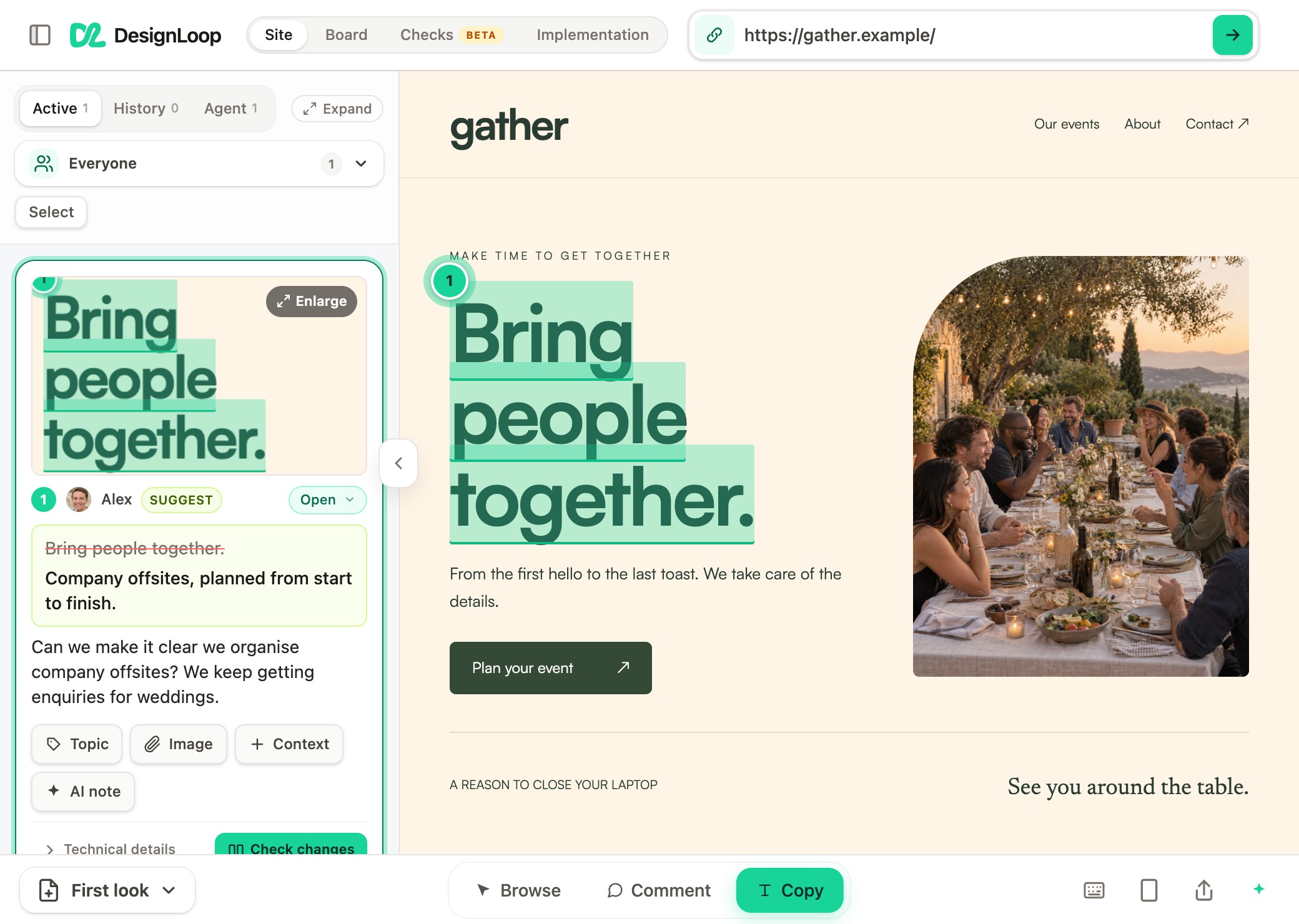
Can we make it clear we organise company offsites? We keep getting enquiries for weddings.
Company offsites, planned from start to finish.
The request and the exact spot, ready for your coding tool.
 Ready to share with Codex
The updated headline is ready for you to check against the request.
Company offsites, planned from start to finish.
A client’s comment, right where it belongs.
Fits the tools you already build with
 ClaudeCodex
 Cursor
 Lovable
 Bolt
BoltOne review link keeps the whole round together.
Your client opens the website and leaves feedback right on the page.
Every comment includes the exact spot and a screenshot of what they saw.
Hand the requests to your coding tool, then review the changes before sign-off.
Feedback can be about anything.
“Can we make it clear we organise company offsites?”
Select the words and suggest their replacement. Both stay together in the feedback card.
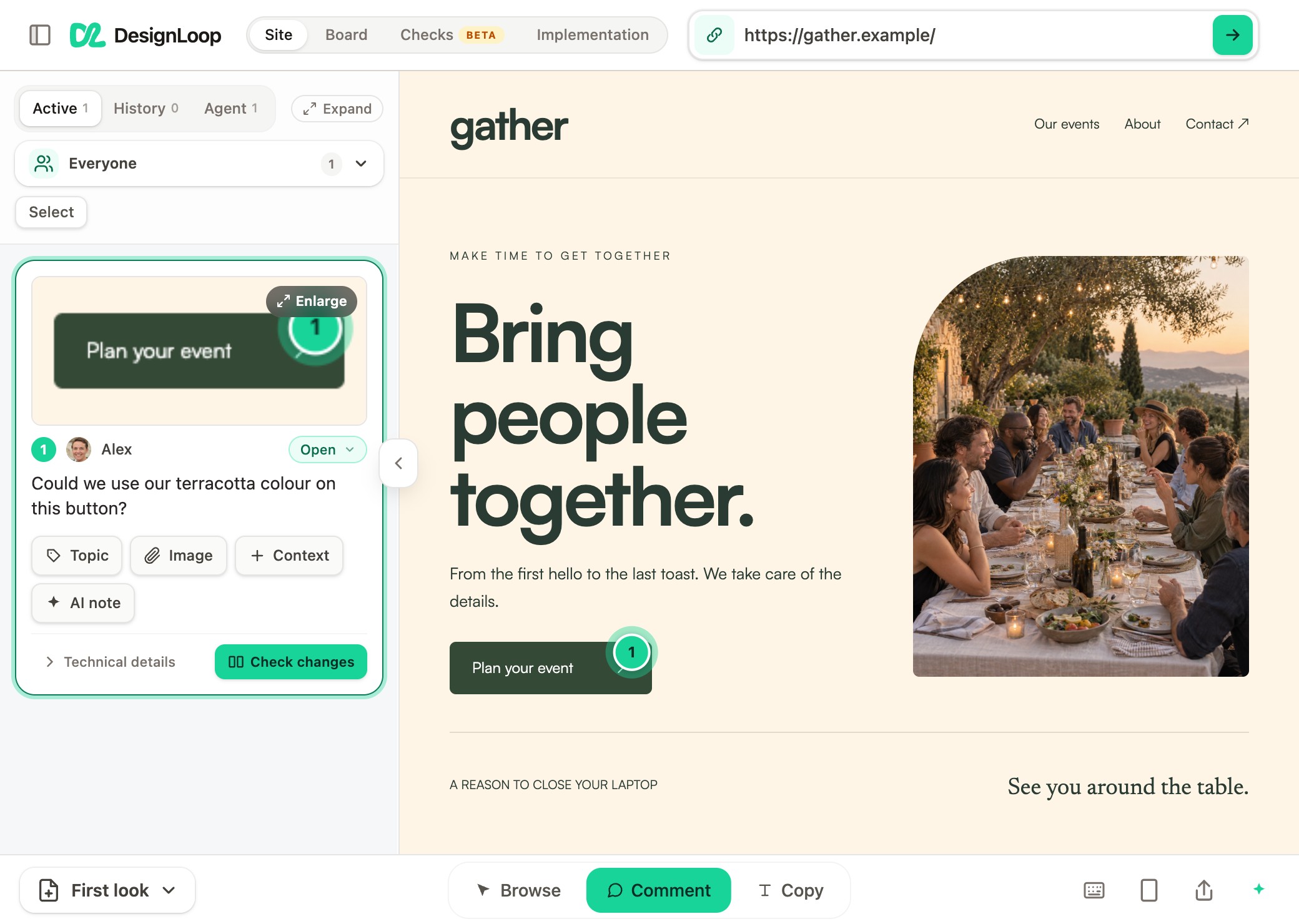
“Could we use our terracotta colour on this button?”
A numbered pin connects the comment to the button. Its screenshot stays attached.
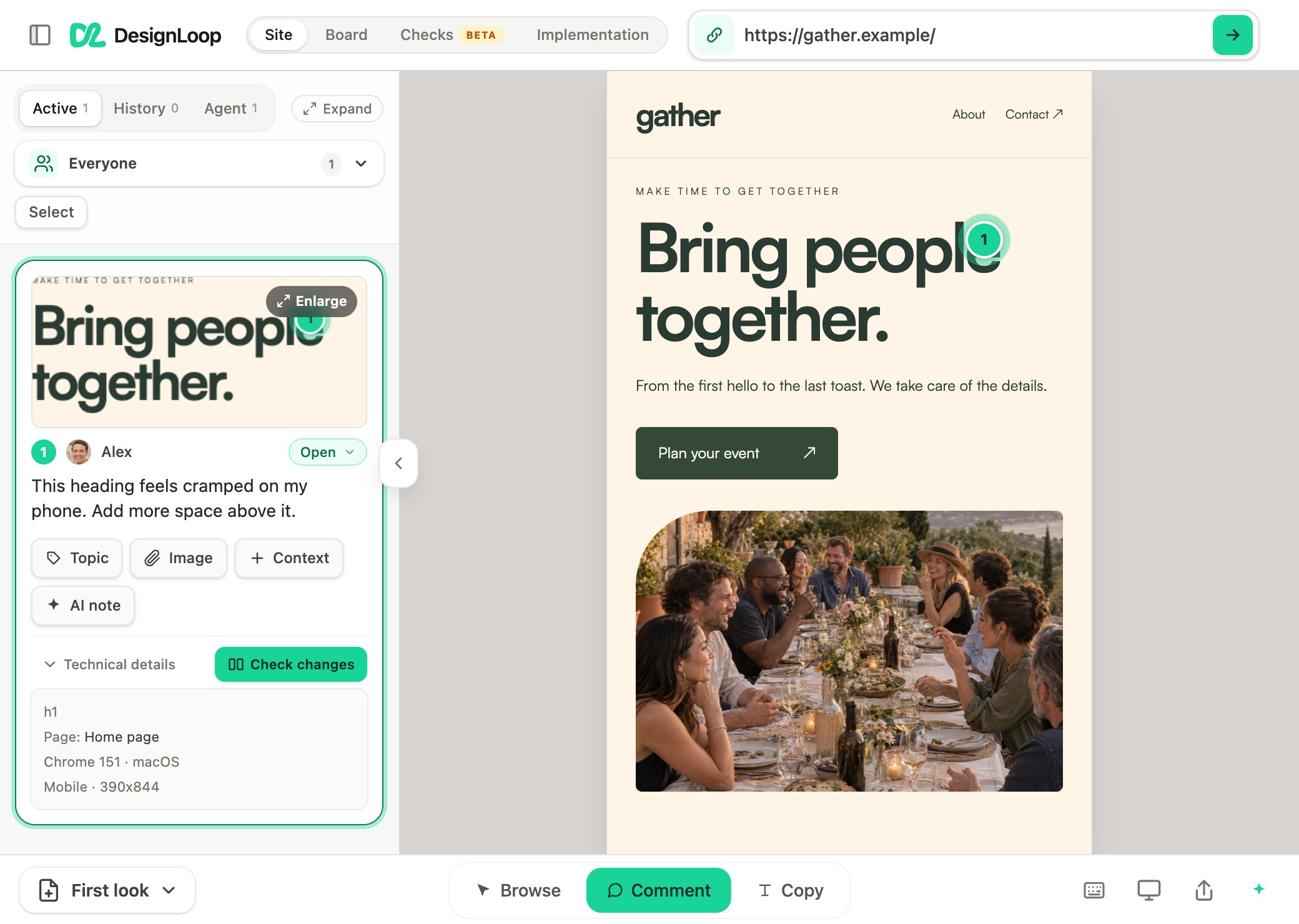
“This heading feels cramped on my phone.”
Review the page at phone width. The captured screen size stays with the request.
Less time figuring out what someone meant.
Comment on an element or select a few words. Suggest the exact copy you want instead.
See the review flowBring people together.
SUGGESTED REPLACEMENTCompany offsites, planned from start to finish.
Share a ready-to-use brief with the tools you already use. Every request carries its context.
Explore handoff optionsWebsite feedback3 requestsEverything for the next version.
Original comments Screenshots and page context Suggested copySee what changed, compare it with the original request, and ask for another pass if it needs one.
Feedback stays open until you approve the work.
A closer look at approvalBring people
together.
Company offsites,
planned from start to finish.
Start with 7 days free. Your clients always review for free.
A few clients. Your own way of working.
$19 / month
or $190 / year
Room for your team’s next round of projects.
$39 / month
or $390 / year
For agencies with more work in the loop.
$99 / month
or $990 / year
Archive finished projects to make room for new work.
No. Send them a review link. They can open the website, leave comments, and suggest new wording without creating an account or installing an extension.
You can review public websites, including sites made with Webflow, WordPress, and coding tools. DesignLoop also supports PDF reviews. For changes to be implemented through a coding tool, that tool needs access to the site’s source project.
Yes. Copy a feedback brief or share an AI link with the tool you already use. Supported tools can also connect through MCP to return progress and implementation proof to your review.
DesignLoop gives you a place to review the implementation proof before marking client feedback complete. Publishing is controlled by the permissions and workflow you have set up in your coding tool.
Your seven-day trial starts when you create your first project. You can try the workflow on one project without adding a card. After the trial, choose a plan to keep collecting feedback. Your existing feedback stays readable.
7 days free. No card required.